
Download Flash Detective – photo recovery, deleted photos, memory card recovery, recover lost photos, digital photo restoration
Overview
Flash Detective is a specialized mobile tool designed to assist users in recovering deleted photos and videos from memory cards. Its primary purpose is to restore lost digital media that may have been accidentally erased, offering a practical solution for users who fear permanent data loss. The app addresses a common pain point: the emotional and practical impact of losing important images, such as family moments, travel memories, or professional work. By targeting users who rely on digital photography and store media on removable storage, Flash Detective serves as a safety net for data integrity.
The developer, Flash Recovery, has positioned this app within the productivity category, emphasizing its utility as a data recovery utility rather than a creative or social tool. Although specific details about the company’s background are not provided, the app’s long-standing presence—released in 2010—suggests a focus on stability and reliability over flashy features. Real-world use cases include photographers, travelers, and everyday smartphone users who have experienced accidental deletions. In the broader app ecosystem, Flash Detective occupies a niche but vital role, offering a lightweight, focused solution where larger recovery tools may be overkill.
Despite its age, the app remains relevant due to its core functionality. The developer did not provide additional technical details about the recovery algorithm or file system compatibility beyond supported formats. However, its continued availability indicates a persistent demand for straightforward, accessible recovery tools.
Key Features & Functionality
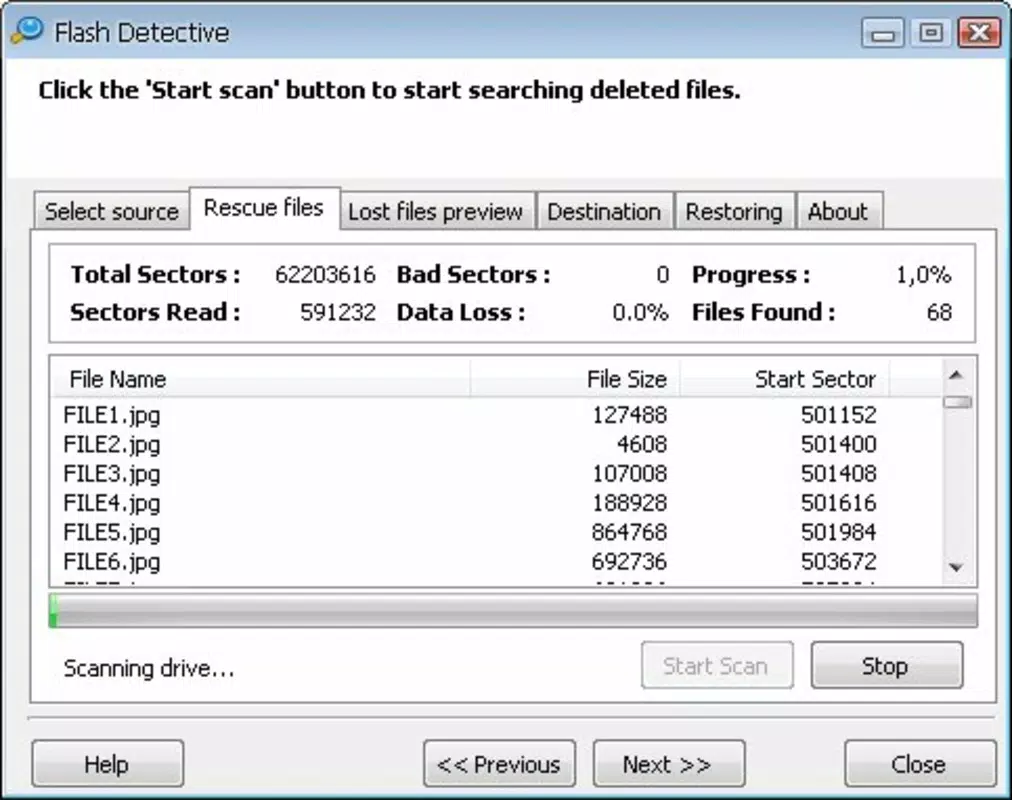
- Easy Photo Recovery: Flash Detective streamlines the recovery process by scanning memory cards for recently deleted files. Users can initiate a scan with minimal steps, making it accessible even to non-technical individuals. This feature is particularly valuable in urgent situations where time is critical to prevent overwriting.
- Wide Format Support: The app supports a broad range of image and video formats, including JPEG, TIFF, PNG, Canon CRW, Nikon NEF, Kodak DCR, and AVI, MPG, WMV. This ensures compatibility with various camera models and video recording devices, enhancing its utility across different user bases.
- Memory Card Optimization: A key recommendation from the app is to avoid using the memory card after deletion. This advice is crucial—reducing write activity increases the chances of successful recovery. Flash Detective does not perform this optimization automatically but guides users through the best practices.
- User-Friendly Interface: The app features an intuitive layout that minimizes user confusion during the recovery process. Clear navigation and straightforward prompts allow users to proceed step-by-step without needing prior experience in data recovery.
- Quick Recovery Process: Once scanning begins, the app operates efficiently, delivering results in a timely manner. This speed is essential when users are anxious about losing irreplaceable content.
For example, a traveler who deletes vacation photos from a camera’s memory card can use Flash Detective to scan and retrieve them quickly—provided no new data has been written to the card. The app’s simplicity and focus on core functionality make it a reliable choice for immediate recovery needs.
Interface, UX & Performance
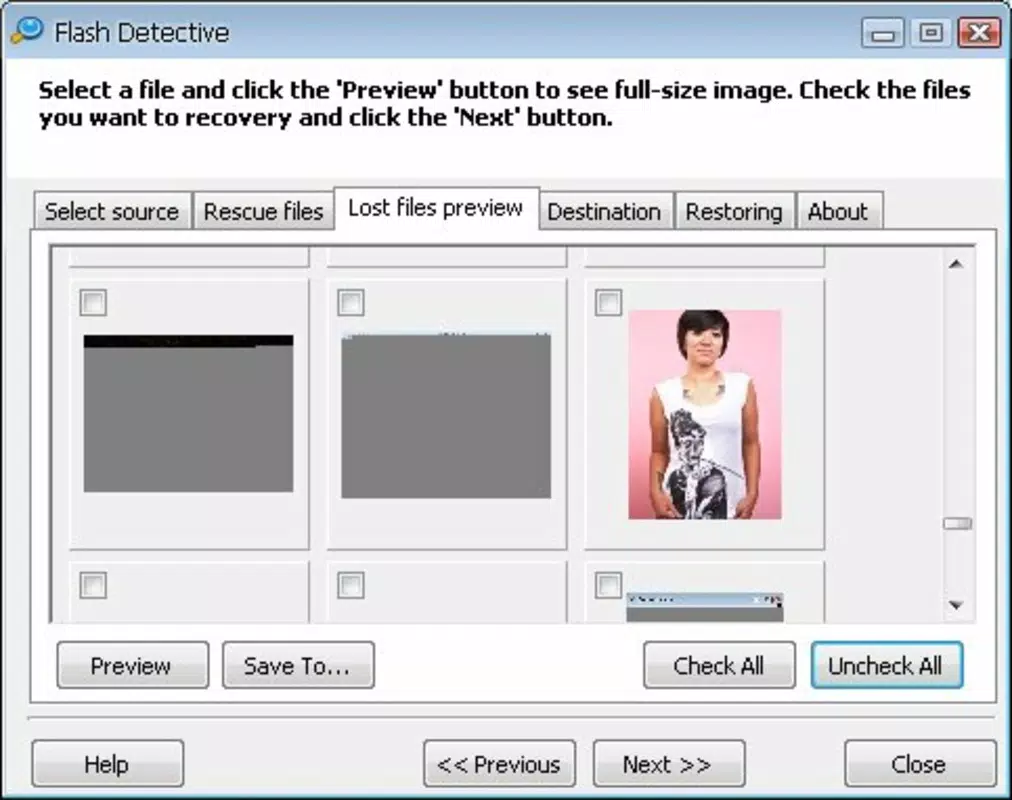
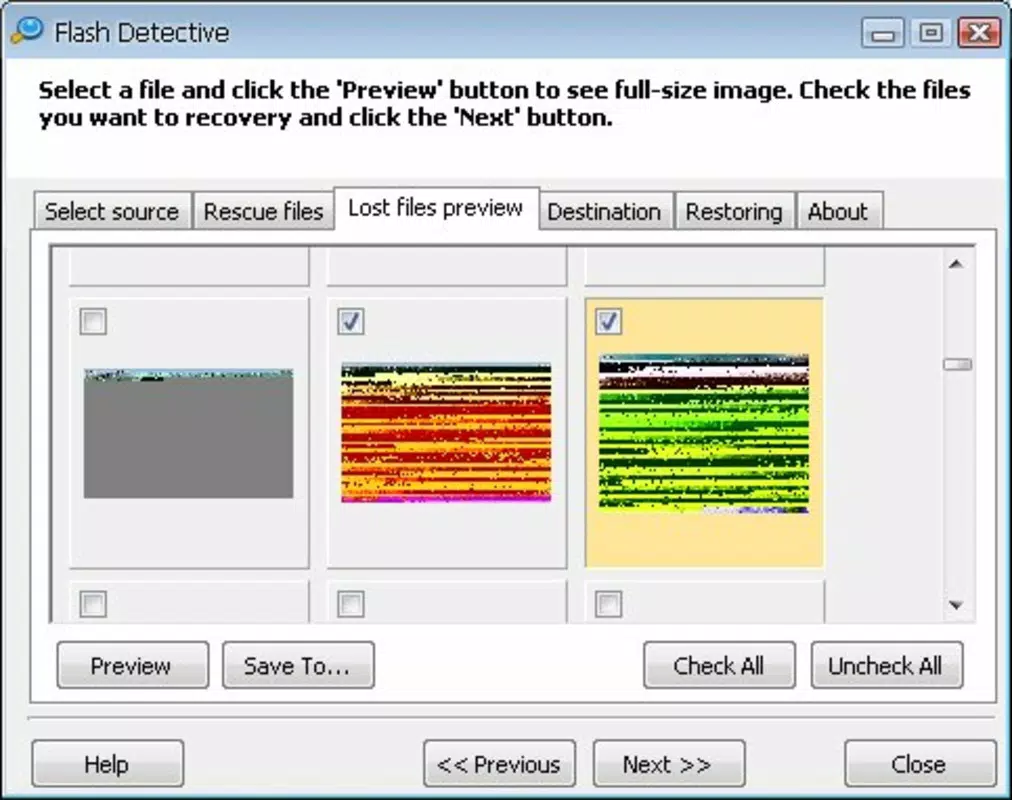
Flash Detective presents a clean, minimal interface designed for clarity and ease of use. The layout prioritizes essential functions, with primary actions like “Scan” and “Recover” clearly labeled and accessible. Navigation is linear and predictable, guiding users through the recovery workflow without unnecessary complexity.
Visual style is utilitarian, with a focus on functionality over aesthetics. Color contrast is sufficient for readability, and icons are simple but descriptive. The app does not include animations or transitions that could slow performance, aligning with its lightweight design.
Although the developer did not list formal performance metrics, the app’s file size of 1.2 MB suggests it is optimized for low-resource environments. It is expected to run smoothly on a wide range of Android devices, including older models. Responsiveness is likely consistent, given the app’s straightforward operations. Stability appears reliable, as the app has remained available since its 2010 release, though no user feedback or crash reports are provided.
Platform Compatibility & Technical Requirements
Flash Detective is available exclusively on the Android platform. The app is designed for Android operating systems, though specific minimum OS versions were not listed by the developer. It has a file size of 1.2 MB, indicating a lightweight footprint suitable for devices with limited storage.
Compatibility information was not fully disclosed, so users should ensure their device supports the app’s intended functionality. The developer did not specify whether the app requires external storage access or root permissions. However, given its purpose, it likely requires access to memory card storage to perform scans.
Pros and Cons
- Lightweight design with minimal storage footprint
- Supports a wide variety of image and video formats
- Simple, intuitive interface suitable for non-technical users
- Quick recovery process after scanning
- Free to download and use
- No official update history provided since 2010
- Compatibility with modern Android versions not confirmed
- Developer did not provide technical details about recovery mechanisms
- May not support newer file systems or high-capacity memory cards
- Limited user feedback or performance data available
FAQ
Is Flash Detective safe to use?
Yes, the app is free and does not require root access or sensitive permissions beyond storage access. It operates as a read-only tool, scanning for recoverable files without altering existing data.
Can I use Flash Detective on iOS?
Flash Detective is currently available only on Android. There is no official version for iOS devices.
Do I need to update the app regularly?
While the app has not received updates since 2010, its core functionality remains unchanged. However, users should be cautious when using it on modern Android systems, as compatibility may vary.
What should I do after deleting a photo to increase recovery chances?
It is recommended not to use the memory card after deletion. Avoid taking new photos, saving files, or installing apps that write to the card, as this reduces the risk of overwriting lost data.
Does Flash Detective recover files from internal phone storage?
The app is designed primarily for memory cards. While it may attempt to scan internal storage, its effectiveness on internal phone memory is not confirmed by the developer.
Final Thoughts
Flash Detective remains a surprisingly functional tool in the realm of mobile photo recovery. Despite its age and lack of recent updates, it delivers on its core promise: helping users recover deleted photos and videos with minimal effort. Its lightweight design, broad format support, and intuitive interface make it a viable option for those facing data loss on Android devices.
While modern alternatives may offer enhanced features and better compatibility, Flash Detective stands out for its simplicity and accessibility. It is best suited for users with older Android devices or those who need a no-frills recovery solution. For anyone who has accidentally deleted important media and seeks a free, straightforward tool, Flash Detective offers a practical path to digital photo restoration.
Download Flash Detective now


